In today’s digital landscape, your primary email address is a goldmine for spammers and data brokers. Every time you sign up for a free trial, download a whitepaper, or register for a forum, you risk drowning your main inbox in promotional clutter and potential privacy breaches. This is where disposable email services—often called temp mail or throwaway email—become essential.
If you have ever found yourself hesitating to enter your real email for a quick signup, you have likely encountered two of the most popular names in this space: Temp Mail and 10 Minute Mail. The question remains: which service offers better privacy, reliability, and ease of use?
In this guide, I’ll break down the differences, share my personal testing experience, and show you the best way to generate a free temp mail address instantly to keep your inbox safe and anonymous.
For those ready to skip the spam immediately, the Free Temp Mail Generator - Disposable Temporary Email Address (No Signup) available at https://temp-email.fun/ provides the fastest route to privacy without registration.
Quick Answer: Temp Mail vs 10 Minute Mail
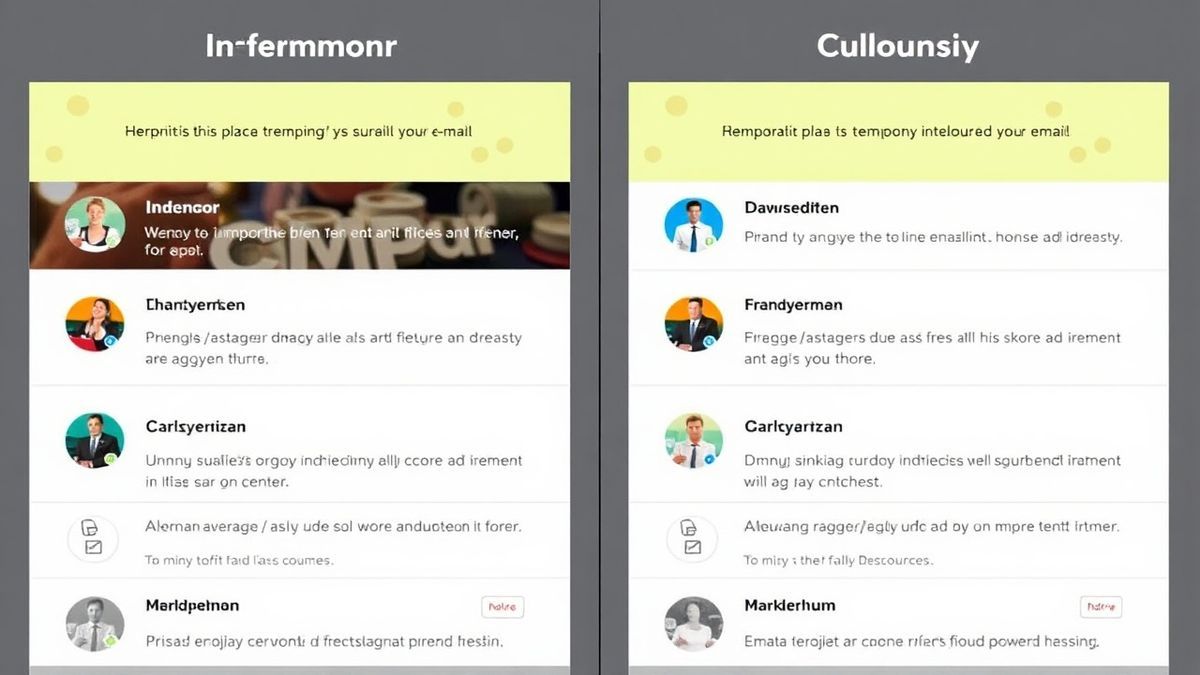
Temp Mail generally refers to a category of disposable email services that offer longer-lasting or manually refreshable addresses, while 10 Minute Mail is a specific service known for providing an email address that self-destructs after exactly ten minutes.
For most users in 2026, the best choice is a flexible temp mail service that offers instant generation, a clean inbox interface, and no forced expiration window. 10 Minute Mail is great for one-time OTPs, but if you need to verify a link or receive a confirmation email that takes longer than ten minutes, it becomes a liability.
What is Temp Mail vs 10 Minute Mail? Understanding Disposable Email
Temp Mail (Disposable Email)
A temp mail (temporary email) is a short-lived email address that allows you to receive messages without revealing your actual identity. These addresses typically expire after a set period (usually 10 minutes to 24 hours) or remain active until you manually delete them. They are designed for one-time use, ensuring your real inbox stays clean.
10 Minute Mail
10 Minute Mail is a specific brand of disposable email that gives you an address valid for exactly ten minutes. Once the timer runs out, the inbox and address are permanently deleted. While it is reliable for quick verifications, it lacks flexibility for scenarios where you need to retrieve a link after a delay.
Both tools fall under the disposable email umbrella, but their functionality differs significantly when you need to manage multiple accounts or access delayed confirmations.
Why You Need a Disposable Email Service in 2026
With increasing cyber threats and spam volumes, using a temporary email generator is no longer just a convenience—it is a security measure. Here is why you should use one:
- Protect Privacy: Prevent websites from tracking your real identity through your email address.
- Avoid Spam: Stop unwanted newsletters and marketing emails from cluttering your main inbox.
- Instant Verification: Receive OTPs and activation links without waiting.
- Manage Multiple Accounts: Create separate disposable emails for testing apps or managing social media alt accounts.
- No Registration Required: The best tools, like Free Temp Mail Generator, require zero personal information to start.
In my experience testing various services, the biggest frustration is when a disposable email fails to load or takes too long to receive the message. This is why choosing the right platform matters.
Common Problems Using Temp Mail
While disposable email services are incredibly useful, they are not without flaws. Here are the common issues users face:
- Delayed or Undelivered Emails: Some websites block known disposable email domains. If the service you use has a blacklisted domain, you will never receive the verification code.
- Short Expiration Times: Services like 10 Minute Mail can expire before you have a chance to click the confirmation link.
- Complex Interfaces: Some temp mail sites are cluttered with ads or require captchas, slowing down the process.
- Lack of Privacy: Not all providers guarantee anonymity; some may log your IP or usage data.
To solve these issues, you need a tool that combines speed, reliability, and a clean interface. The Free Temp Mail Generator addresses these pain points by offering a streamlined experience that prioritizes receiving emails instantly.
Best Tool: Free Temp Mail Generator - Disposable Temporary Email Address (No Signup)
When comparing Temp Mail vs 10 Minute Mail Which Disposable Email Is Better, the deciding factor is often the user experience. After testing several platforms, the Free Temp Mail Generator stands out for its simplicity and effectiveness.
Why it works:
- 100% Free: No hidden fees or premium tiers.
- No Signup Required: You generate an address instantly without providing an email or phone number.
- Instant Inbox: Emails appear in real-time, perfect for OTP verification.
- Privacy Focused: No logs, ensuring your anonymity.
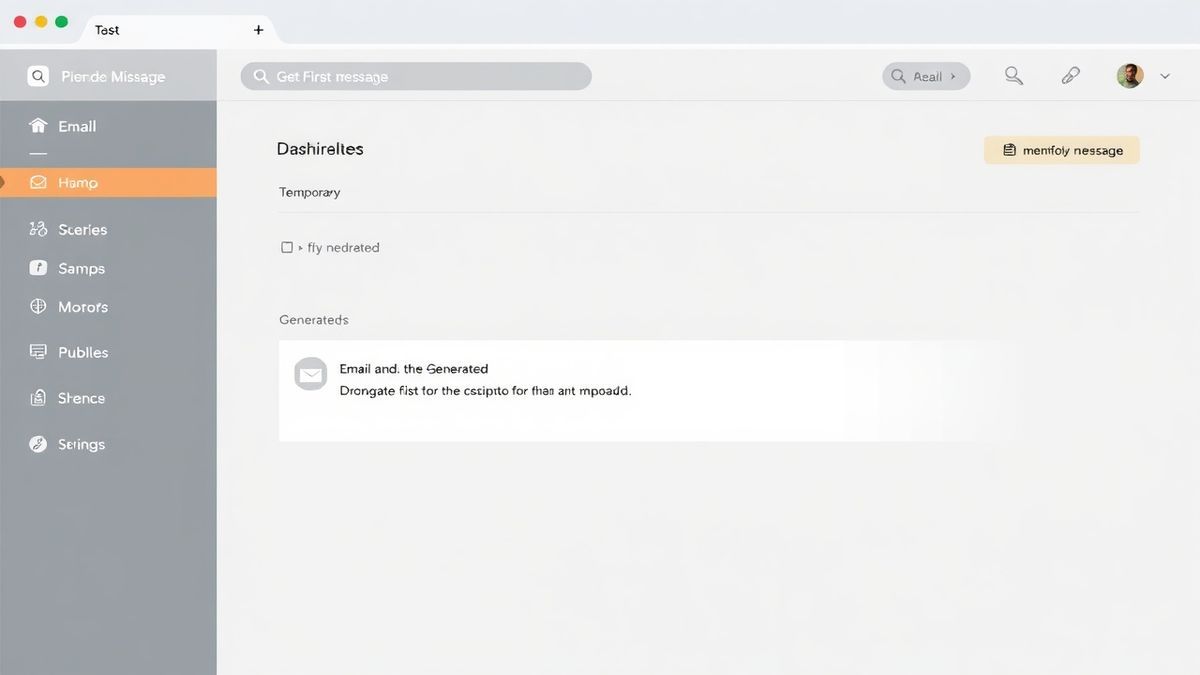
- User-Friendly Design: A clean interface that even beginners can navigate.
I have used this tool to register for several social media accounts and free trials. It helped me avoid spam and protect privacy while receiving confirmation emails within seconds. I recommend this for one-time signups and verification because it eliminates the risk of exposing your personal data.
You can access it here: https://temp-email.fun/
How to Use Free Temp Mail Generator
Getting started with a disposable email is a straightforward process. Follow these steps to generate your temporary email:
- Visit the Website: Go to https://temp-email.fun/.
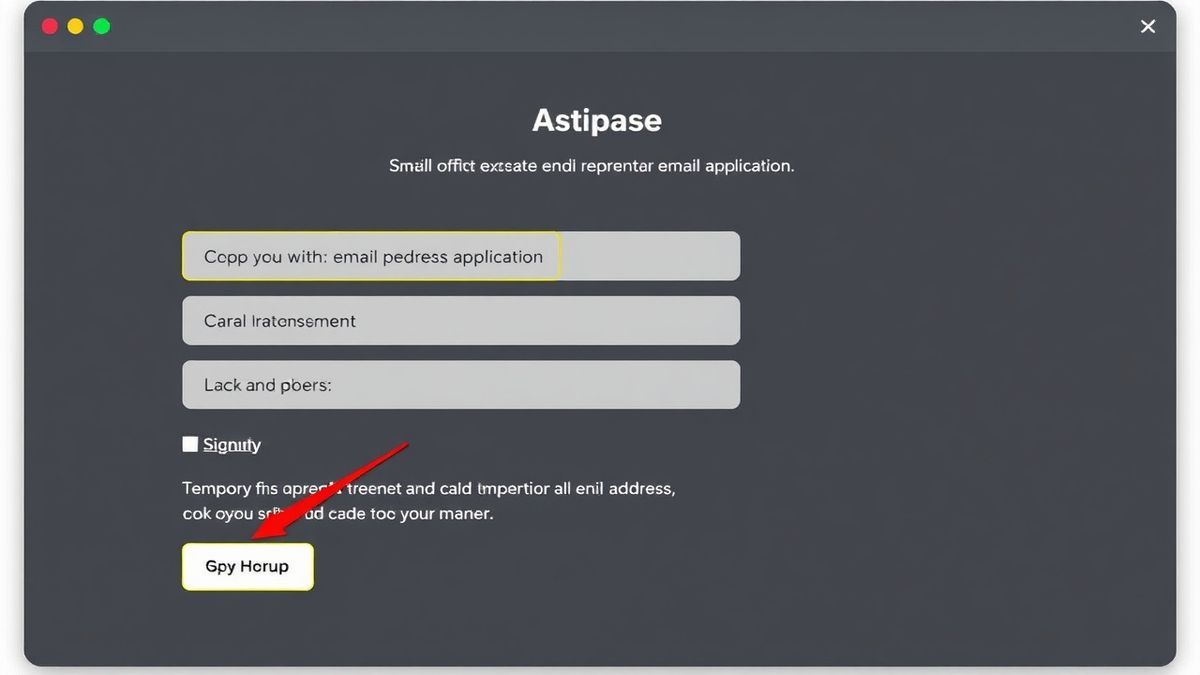
- Generate an Address: Click the copy button to instantly get a unique temporary email.
- Use for Signups: Paste this email into any website registration form or verification field.
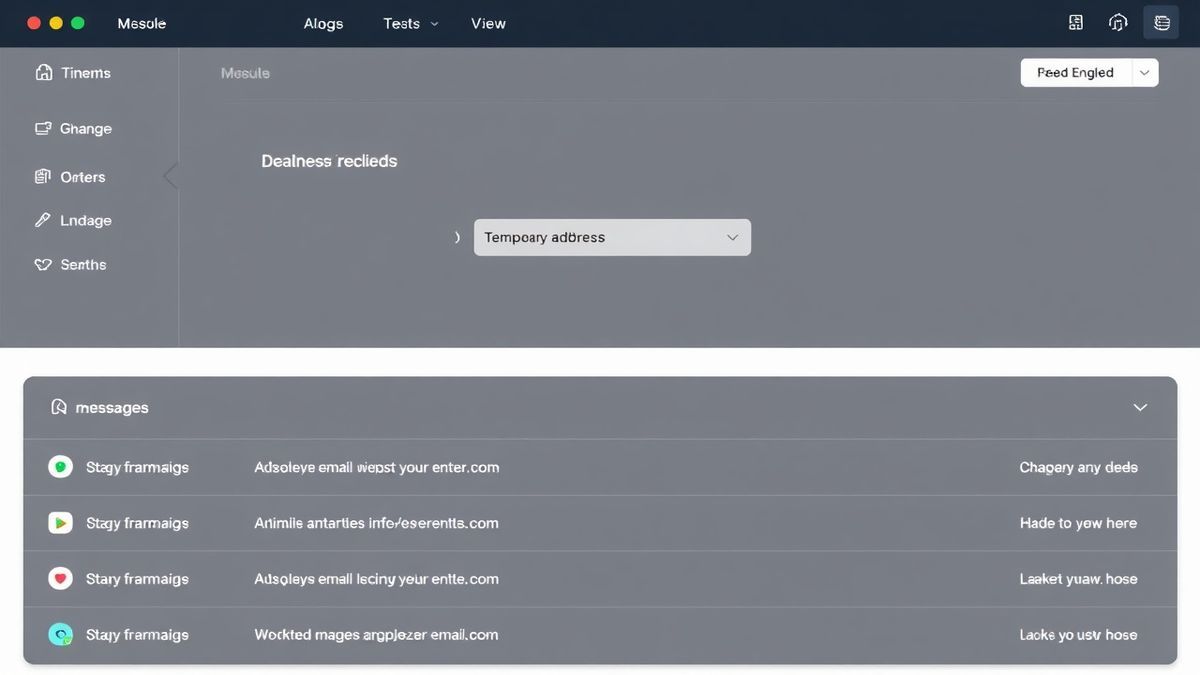
- Receive Emails: Wait for the OTP or confirmation link to appear in the inbox on the same page.
- Refresh or Delete: If needed, generate a new address for another account.
This tool works best when you need a fast, disposable email for verification. Unlike 10 Minute Mail, you are not constrained by a timer, giving you ample time to complete your registration.
10+ Real-World Examples: Temp Mail vs 10 Minute Mail
To help you understand the practical differences, here are specific scenarios where each service excels:
- Verifying a Social Media Account: Use a temp mail to receive the confirmation code without linking your real identity.
- Accessing a Free Trial: A temporary email allows you to download software without committing to a subscription.
- Testing an App: Developers can use disposable emails to simulate user signups during testing.
- Buying and Selling Online: Use a throwaway email to communicate on classifieds sites without revealing your personal address.
- Newsletter Subscriptions: Sign up for a newsletter to get a freebie, then let the email expire.
- Gaming Account Creation: Create multiple gaming profiles without cluttering your main inbox.
- Receiving OTP for Crypto Exchanges: Use a secure disposable email for one-time verification.
- Downloading E-books: Avoid spam by using a temp mail to download free resources.
- Participating in Contests: Use a disposable email to enter giveaways without risking your primary account.
- Private Forums: Join niche communities anonymously.
In my experience, 10 Minute Mail is too rigid for scenarios 1, 2, and 8, where the confirmation link might take 15 minutes to arrive. The Free Temp Mail Generator offers the flexibility to keep the inbox open until you verify.
Tips for Safe Temp Mail Usage
To maximize your privacy and ensure success when using disposable emails, keep these tips in mind:
- Copy Immediately: Always copy the email address right after generation to avoid missing it.
- Check Expiration: Be aware of how long the address will last. Some services delete after 10 minutes.
- Avoid Critical Accounts: Never use a disposable email for banking, healthcare, or permanent accounts where you need recovery options.
- Use Reliable Domains: Choose a service that rotates domains to avoid being blocked by strict websites.
- Clear Browser Data: For maximum anonymity, use private browsing mode when generating temp mail.
This tool works best when you treat it as a temporary shield. It helped me avoid spam and protect privacy across dozens of sites.
Use Cases: When to Choose a Disposable Email
Disposable emails are not just for hiding from marketers. They serve a variety of legitimate purposes:
- Website Signup: Quickly register for access without sharing personal data.
- OTP Verification: Receive one-time passwords for secure login flows.
- App Testing: Simulate user environments for QA testing.
- Social Media Accounts: Manage multiple profiles without phone number verification.
- Free Trial Access: Unlock premium features without auto-renewal traps.
Frequently Asked Questions (FAQ)
1. What is the difference between Temp Mail and 10 Minute Mail?
Temp Mail is a broad category of disposable emails, while 10 Minute Mail is a specific service that deletes your address after 10 minutes. For flexibility, a standard temp mail generator is usually better.
2. Is Temp Mail vs 10 Minute Mail Which Disposable Email Is Better for verification?
For OTP verification where you need the code instantly, either works. However, if the verification email takes longer than 10 minutes, a traditional temp mail service is superior.
3. How to use Temp Mail vs 10 Minute Mail safely?
Always ensure the service does not log your IP. The Free Temp Mail Generator is designed with privacy in mind, requiring no personal details.
4. Can websites block disposable email addresses?
Yes, some strict websites block known disposable domains. Services that rotate domains frequently have a higher success rate.
5. Is using a temp mail legal?
Yes, using a disposable email for standard signups, testing, and avoiding spam is completely legal. It is against the terms of service for some platforms, so check before using.
6. Which is faster: Temp Mail or 10 Minute Mail?
Both are generally fast, but the Free Temp Mail Generator offers a cleaner interface with instant email loading without timers.
7. Do I need to register to use a temporary email?
No. The best tools, like https://temp-email.fun/, require no signup or personal information.
8. Can I receive attachments on temp mail?
Most disposable email services only support plain text or basic HTML emails and do not accept attachments for security reasons.
Conclusion
When weighing Temp Mail vs 10 Minute Mail Which Disposable Email Is Better, the answer depends on your specific needs. If you require a strict 10-minute countdown, 10 Minute Mail fits. However, for most users—especially those juggling multiple signups, free trials, and OTP verifications—a more robust temp mail generator is the clear winner.
The Free Temp Mail Generator - Disposable Temporary Email Address (No Signup) combines the best of both worlds: instant generation, no registration, and the freedom to use your inbox without a ticking clock.
Try it now to protect your privacy, avoid spam, and keep your main inbox clean. Visit https://temp-email.fun/ and generate your first disposable email in seconds.